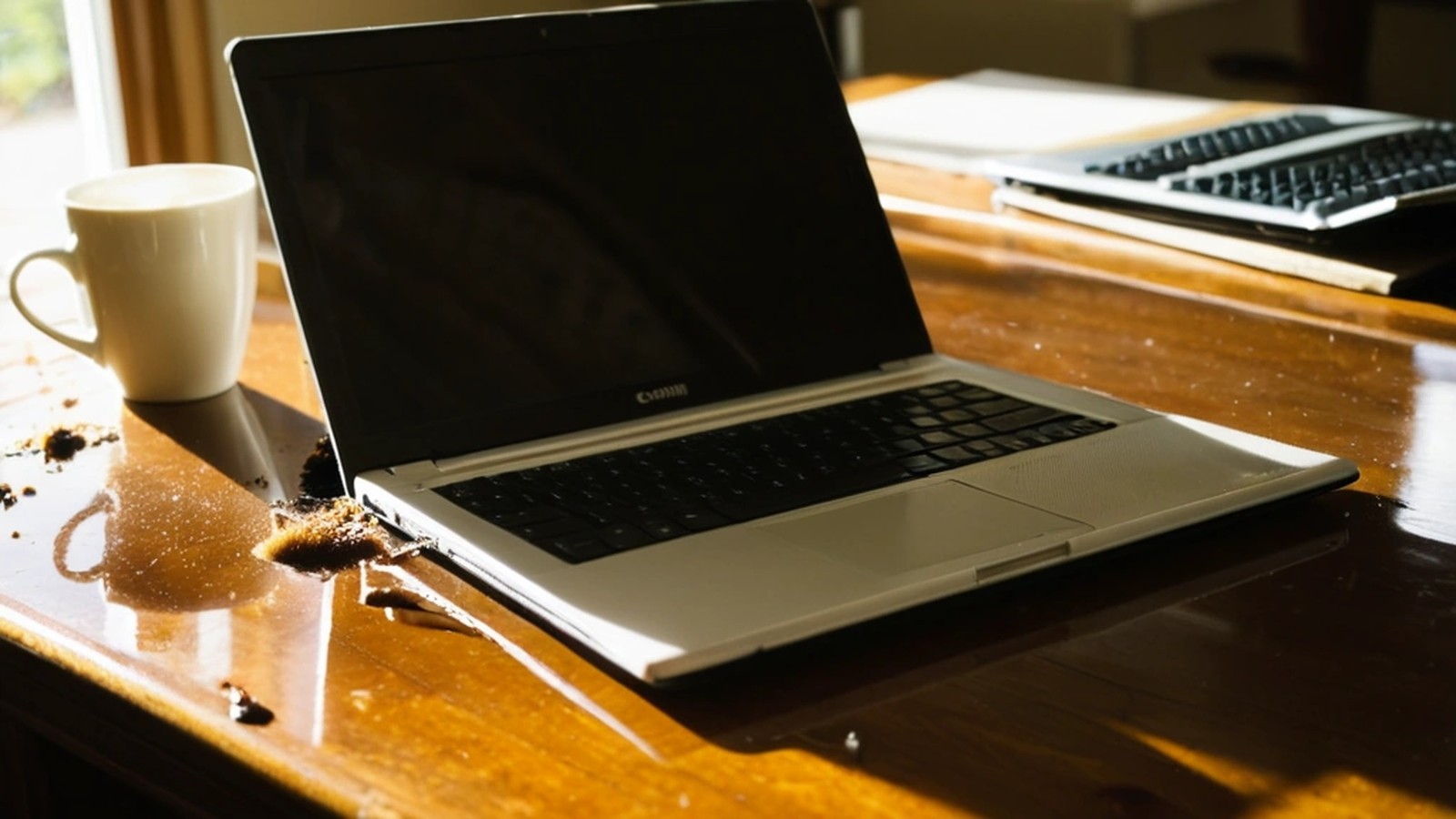
Short answer: Turn the laptop off immediately by holding the power button, unplug the charger and everything else, and don’t turn it back on. Wipe off what you can, open the laptop and set it upside down in a tent shape so liquid drains out of the keyboard, and let it sit. Skip the rice and the hair dryer. Water may dry out, but coffee, soda, juice, wine and other sugary or acidic drinks leave residue that can corrode the circuit board over the next days and weeks, so those spills should be opened and cleaned by a technician even if the laptop seems to work.
It happens to almost everyone eventually: a coffee mug tipped over during a video call, a kid’s juice box on the couch, a water bottle that leaked inside a backpack. What you do in the first few minutes makes a big difference in whether the laptop survives.
Electricity plus liquid is what causes short circuits. The fastest way to protect the board is to stop the power.
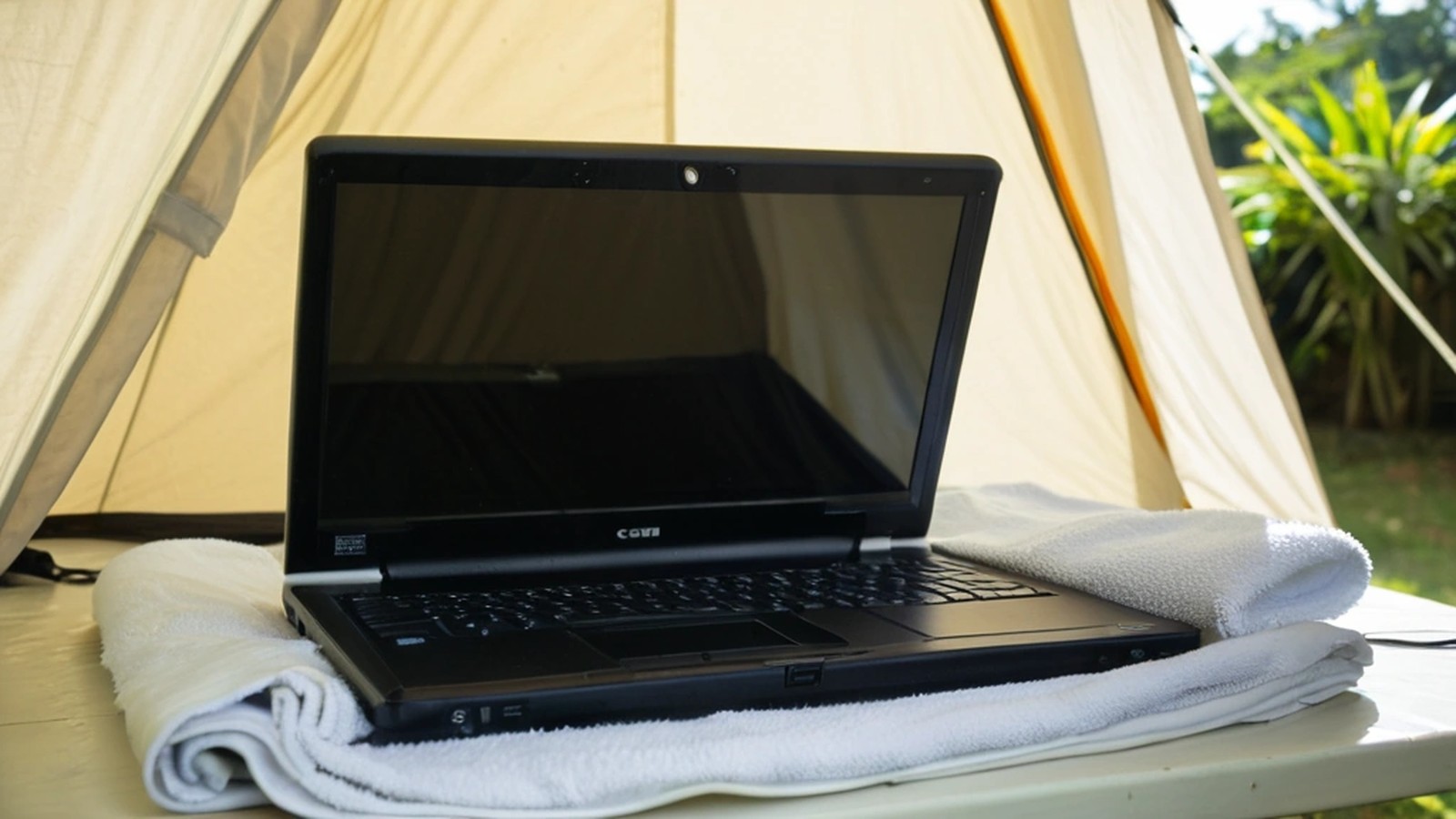
The hardest part is waiting. Turning it on “just to check” is how a fixable spill becomes a dead motherboard.
Plain water is the “best” spill to have. Coffee with cream and sugar, soda, juice, beer and wine contain sugars, acids and minerals. When the liquid dries, it leaves a sticky, conductive film on the circuit board and keyboard. That film keeps corroding connections and can cause short circuits the next time power flows through.
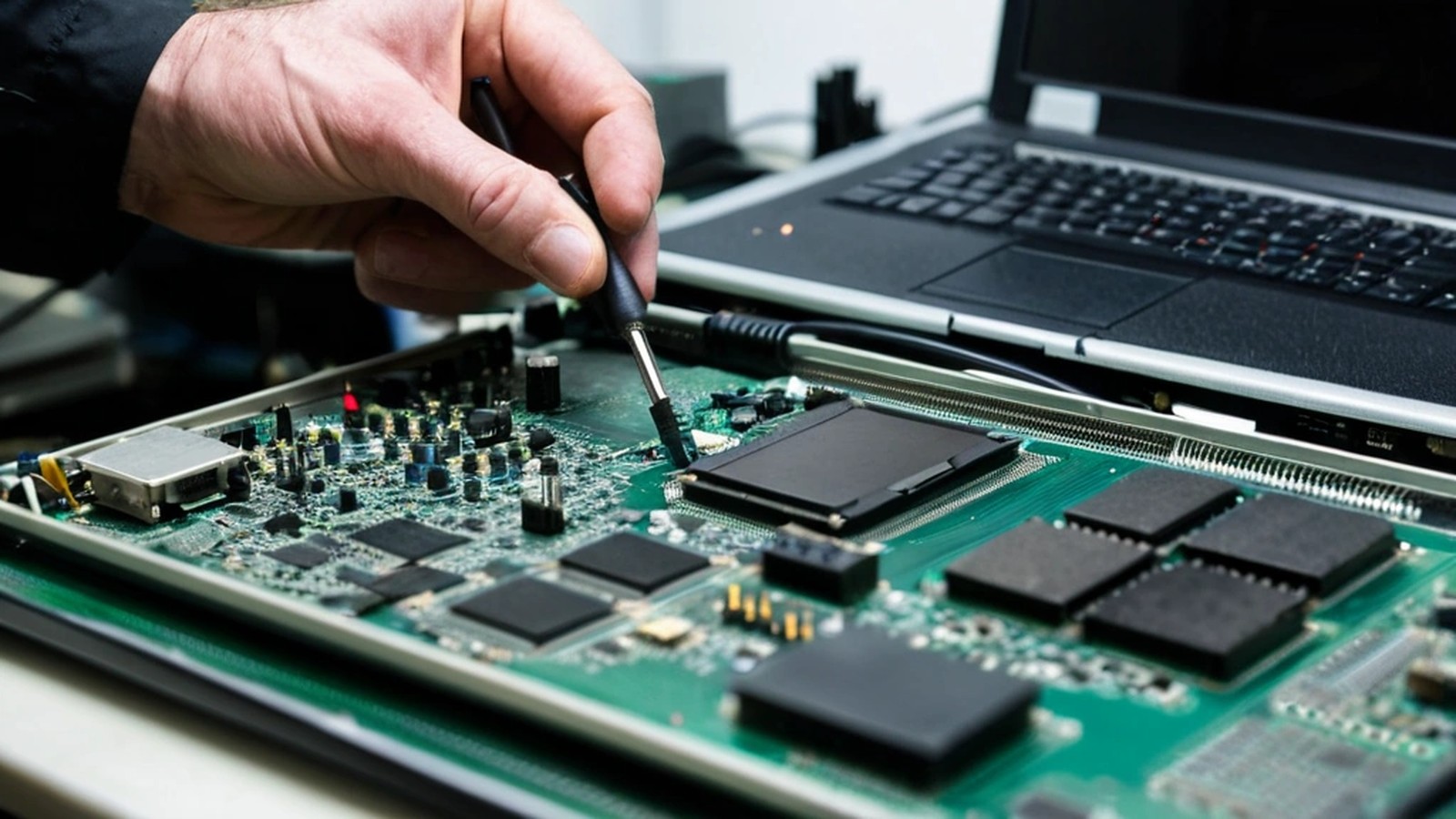
A technician can open the laptop, disconnect the battery inside, and clean the affected board and connectors with isopropyl alcohol before corrosion spreads. The sooner that happens, the better the odds.
If the laptop was working normally before the spill and your files aren’t backed up, tell your technician that your data is the priority. In many cases the storage drive survives even when other parts don’t, and files can be recovered from it. This is also a good reminder to set up a regular backup. Our guide on how to back up your computer walks through a simple plan.
Usually not a standard warranty. Most manufacturer warranties cover defects, not accidents. If you bought an accidental damage protection plan from the manufacturer, a retailer or your credit card, check it now, because liquid damage may be covered and some plans require you to report it quickly. Business laptops may also be covered under your company’s insurance or IT agreement.
It depends on how much liquid got inside, what kind of liquid it was, how fast the power was cut and the age of the laptop. Sometimes the fix is a cleaning and a new keyboard. Sometimes the motherboard is damaged. If the laptop is older, a spill can be the moment it makes more sense to move to a new one. Our repair or replace guide can help you decide.
My laptop still works after the spill. Am I okay? Maybe, but don’t assume so. With water, it may be fine. With coffee, soda or juice, corrosion can show up later. Back up your files right away and consider having it inspected.
How long should I wait before turning it back on? At least 48 hours for a small amount of plain water. For sugary or sticky drinks, have it cleaned before powering it on.
Does rice really work? No. Leaving the laptop open and upside down in a dry room works just as well, without rice dust getting into the ports.
What about a MacBook or a laptop with a sealed battery? Hold the power button to force it off, unplug it, and turn it upside down. Don’t try to open it yourself. A technician can disconnect the internal battery safely.
A. Computer Doctor has been helping homes and businesses in Murrieta, Temecula and surrounding cities since 2006. It was founded by Cesar Ramirez, a computer engineer with a B.S. from Cal Poly San Luis Obispo. If your laptop took a spill, we can check it, clean it, recover your files and tell you honestly whether it’s worth repairing.
Call 951-595-7758, email [email protected], or submit a trouble ticket to get started.