The end of the year is the best time to stop putting out IT fires and start planning. If your office in Temecula, Murrieta, Menifee or French Valley is heading into 2027 with aging computers, a “we’ll deal with it later” backup, or no clear idea what technology will cost next year, an hour of IT consulting can save you thousands. A. Computer Doctor helps small businesses build a simple, realistic technology plan, so 2027 spending is deliberate instead of a string of emergencies.
Most small offices around Southwest Riverside County don’t have a full-time IT person. Technology decisions get made when something breaks: a laptop dies, a printer stops talking to the network, or a vendor sends a renewal notice nobody budgeted for. Those surprise purchases usually cost more, because you buy whatever is in stock that week and pay for rushed setup and lost work hours.
A year-end IT review flips that around. You see what you own, what is close to failing, what is no longer supported, and what you actually need. Then you can spread purchases across the year, line them up with slower business months, and talk with your accountant about timing before you spend.
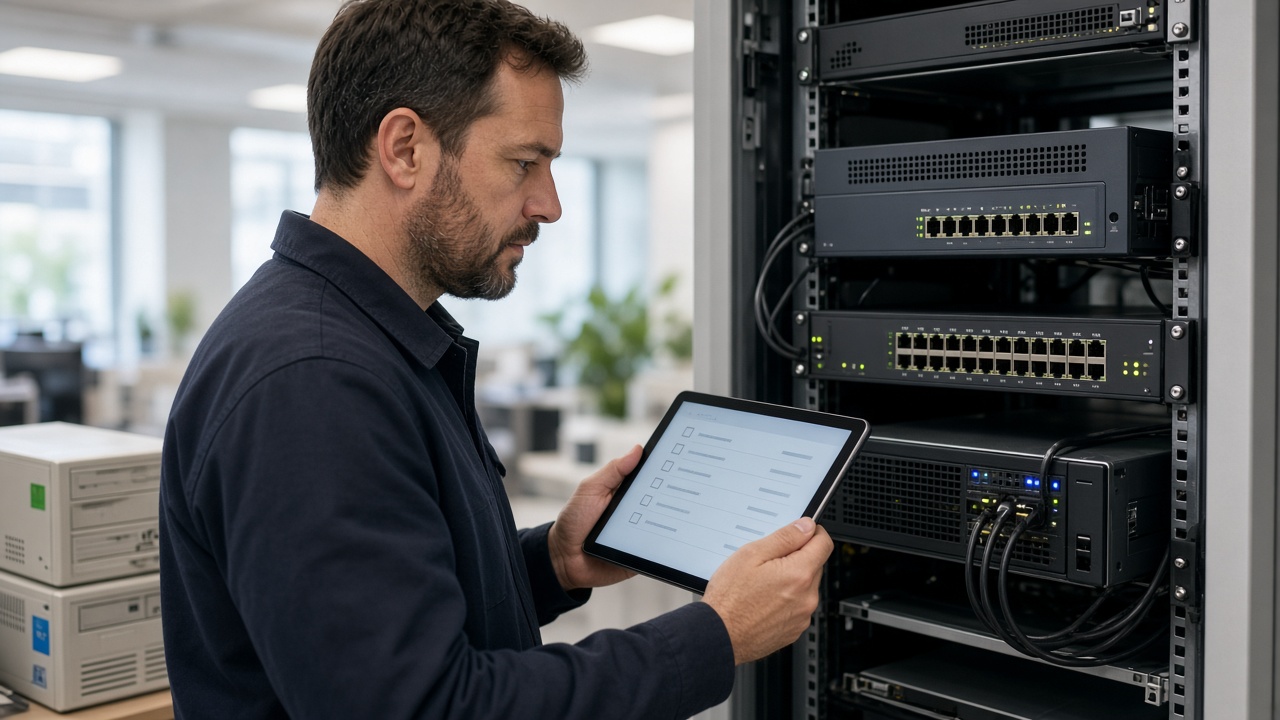
We list every computer, laptop, server, firewall, switch and printer, along with its age and condition. Machines that are still healthy may only need an SSD or memory upgrade to get a few more good years. Machines that are near the end get a replacement date and a budget line, so you replace two or three a quarter instead of five at once after a bad week.
Microsoft ended mainstream support for Windows 10 in October 2025, and the first year of Extended Security Updates ran out in October 2026. If any office PCs are still on Windows 10, they need a plan now: upgrade to Windows 11 if the hardware qualifies, pay for business extended updates as a short bridge, or replace the machine. We check every computer, flag older line-of-business software that may not run on newer systems, and map out the safest order to move.
Many insurers now ask whether you use multi-factor authentication, keep offsite backups and patch your systems on a schedule. We review your backup setup, test that a restore actually works, and check passwords, MFA, antivirus and firewall settings. You leave with a short list of fixes ranked by risk, not a 40-page report nobody reads. Our guide to cyber insurance requirements covers that side in more detail.
Microsoft 365 seats for people who left, duplicate cloud storage plans, an old phone system contract, software nobody opens anymore: small leaks add up. We go through your recurring IT bills and point out what to cancel, combine or downgrade. That money often pays for the upgrades you actually need.
Slow internet and dropped video calls are often caused by an aging router or poorly placed access points, not your internet provider. We look at your firewall, switches and wireless coverage and tell you whether a tune-up is enough or new equipment belongs in next year’s budget.
Every planning consultation ends with a plain-English roadmap: what needs attention right away, what to schedule each quarter in 2027, and an estimated cost for each item. You decide what to do and when. Some clients handle the work in-house, some have us do the projects, and some move to managed IT support so updates, backups and monitoring happen without anyone on staff having to remember.
We work with professional offices, medical and dental practices, contractors, retailers and home-based businesses across Temecula, Murrieta, Menifee, French Valley, Wildomar and Lake Elsinore. Because we’re local, we can walk your office, look at the equipment in person and meet your team, which is hard to do with a remote help desk three states away.
A. Computer Doctor holds a 5.0-star rating on Yelp from customers in the Murrieta area. One reviewer, Andrea C., wrote that after her laptop crashed and Best Buy couldn’t figure out the problem in two hours, Cesar “was able to diagnose and tell me exactly” what was wrong. That same clear, honest explanation is what you get in an IT planning session: what you have, what needs work, and why. Read our Yelp reviews to hear more in customers’ own words.
For most small offices with fewer than 25 computers, the on-site review takes a few hours, and you get the written roadmap shortly after.
No. IT consulting is a standalone service. You can use the plan on your own, hire us for individual projects, or choose ongoing support later.
Not at all. November and December are ideal, because you can still make year-end decisions and go into January with a clear budget.
Start the new year with a technology plan instead of a list of surprises. Call A. Computer Doctor at 951-595-7758 to book an IT consulting visit for your Temecula, Murrieta, Menifee or French Valley business.