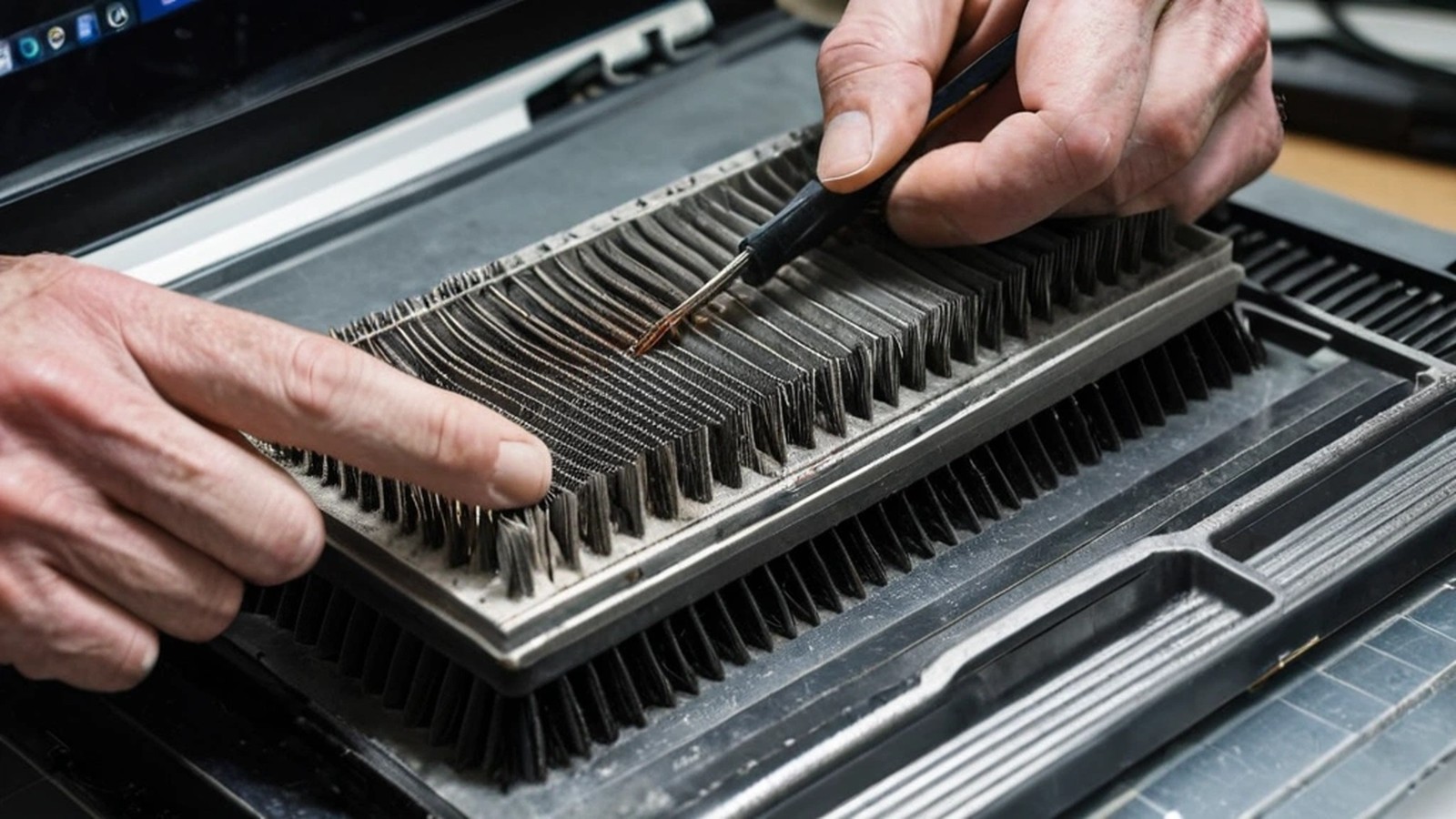
Short answer: Most computers overheat because hot air can’t get out. Dust packed into the fans and vents, a laptop sitting on a bed or couch, dried-out thermal paste, a failing fan, or programs running hard in the background are the usual causes. Start by moving the computer to a hard, flat surface, closing heavy programs and checking that the vents are clear. If it’s still hot, loud or shutting itself off, it’s time for a proper internal cleaning or repair before the heat damages anything.
If your laptop is too hot to keep on your lap, the fan sounds like a hair dryer, or your desktop shuts off in the middle of work, your computer is telling you something. Here in Murrieta and Temecula, warm days and dusty air don’t help. The good news is that overheating is usually very fixable.
Computers are built to protect themselves. When the processor gets too hot, it slows itself down, and if that isn’t enough, the system shuts off. That’s why heat often shows up first as “my computer got slow.”
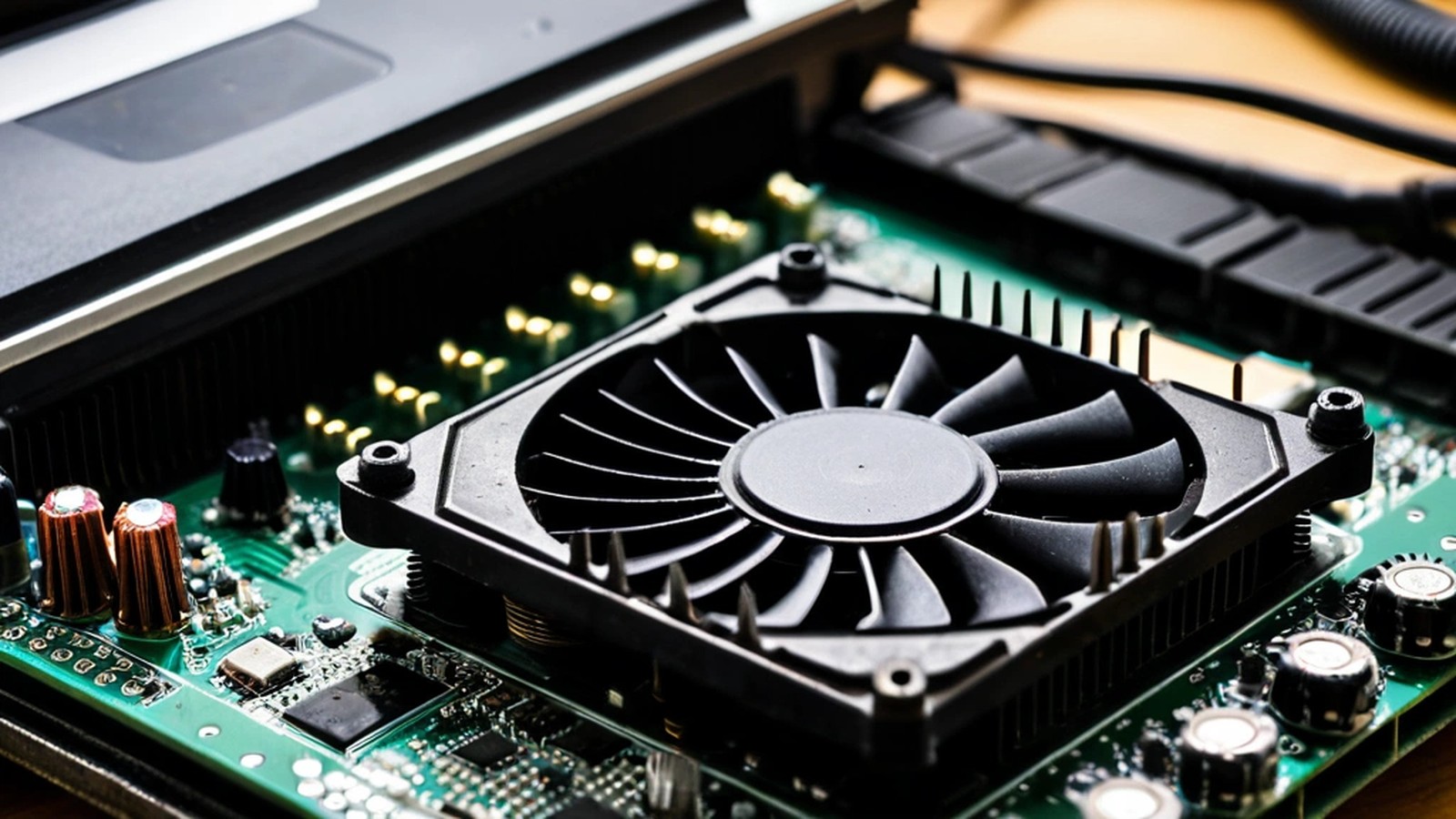
This is the number one cause we see. Over time, the cooling fan pulls in dust, lint and pet hair, and it builds up on the small metal fins that release heat. Eventually air can barely get through. You may not see it from the outside at all.
Many laptops pull air in from the bottom. Set one on a comforter, pillow or couch cushion and you’ve covered the intake. It may feel fine for a few minutes, then the fan ramps up and everything slows down.
Between the processor and the cooler is a thin layer of thermal paste that helps move heat away from the chip. On older computers, that paste can dry out and stop doing its job. Replacing it requires opening the machine, so it’s a job for someone with the right tools and experience.
Fans have bearings that wear over time. A fan that grinds, rattles, clicks or doesn’t spin at all can’t keep up, and the temperature climbs quickly.
Sometimes the hardware is fine and the computer is simply working too hard. Dozens of browser tabs, programs that start automatically, stuck updates or even malware can keep the processor busy all day. If your computer is also sluggish, our guide on why your computer is so slow covers this side of the problem.
A desktop tower pushed against a wall, tucked into a closed cabinet or sitting near a sunny window has a harder time staying cool.
What not to do: don’t open a laptop you’re not comfortable working on, don’t use a vacuum inside a computer, and don’t block the fan to “test” it. If the battery looks swollen or the case is bulging, stop using the device and get it checked right away.
It’s time to bring it in if:
Heat is hard on electronics. Running hot day after day can lead to sudden shutdowns that lose unsaved work, and over time it can damage the battery, the storage drive or the motherboard itself. A cleaning is far less trouble than a failed board or lost files. If you don’t have a recent backup, now is a good time to make one. Here’s how to back up your computer.
Is it normal for my laptop to get warm? Warm, yes, especially during video calls or gaming. Too hot to touch comfortably, constantly loud fans or random shutdowns are not normal.
Do laptop cooling pads help? They can help a little by raising the laptop and moving air underneath. They won’t fix a clogged fan or dried thermal paste.
How often should a computer be cleaned inside? It depends on your home. Pets, carpet, smoking and dusty conditions all speed up buildup. If your fans are getting louder over time, it’s probably due.
Can overheating cause data loss? It can. Sudden shutdowns can interrupt work in progress, and long-term heat is hard on storage drives. Keep a current backup either way.
A. Computer Doctor has been helping homes and businesses in Murrieta, Temecula and surrounding cities since 2006. It was founded by Cesar Ramirez, a computer engineer with a B.S. from Cal Poly San Luis Obispo. We can clean out the dust, replace worn fans and thermal paste, and find out whether anything else is causing the heat. We’re rated 5.0 stars on Yelp from 5 reviews.
Call 951-595-7758, email [email protected], or submit a trouble ticket and we’ll get your computer running cool again.