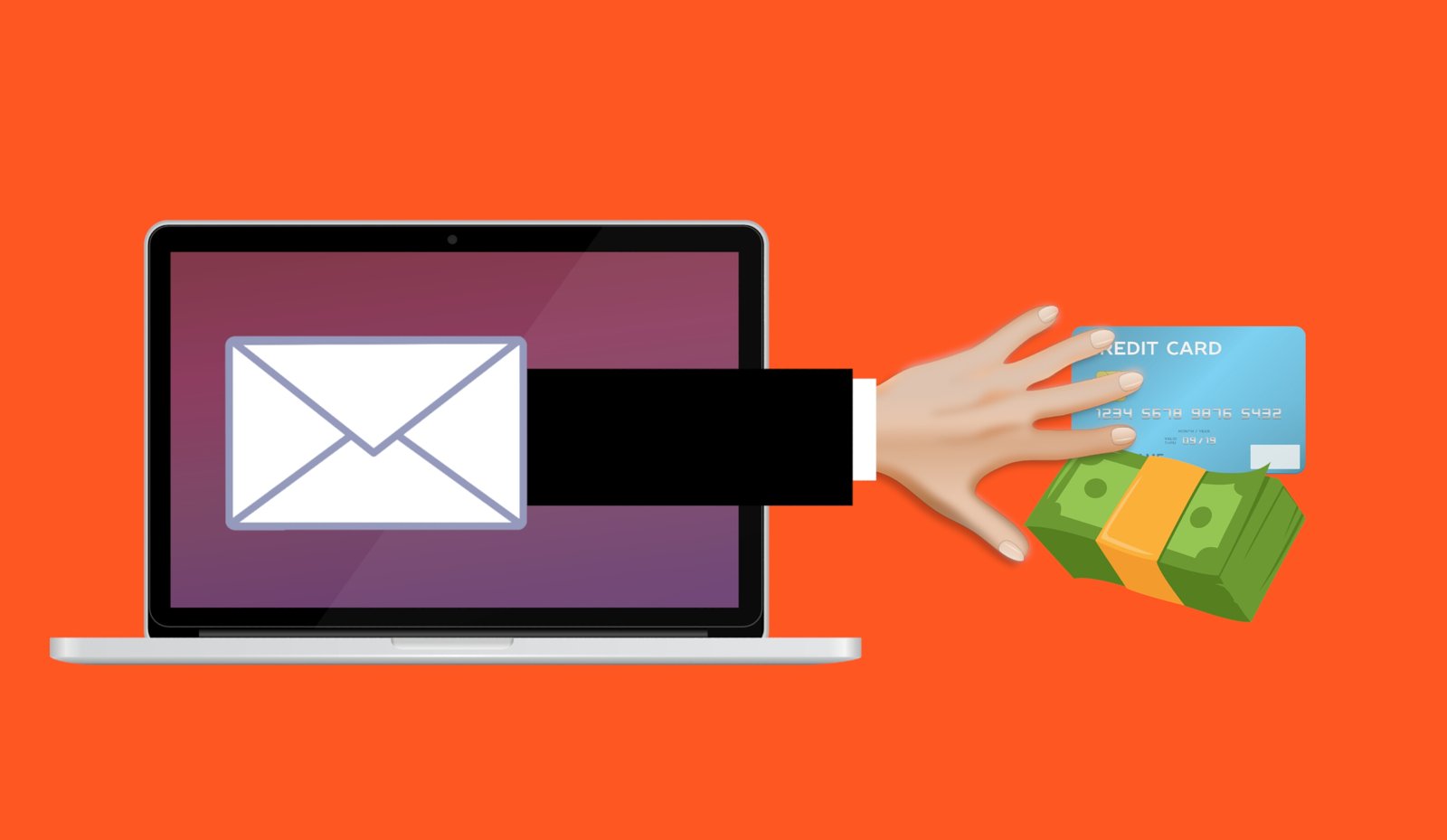
Most business owners I talk to in Murrieta and Temecula feel pretty good about their security. They have antivirus, a firewall came with the internet service, and nobody has been hacked yet. That confidence is understandable, but it’s also where trouble starts. The risks that do the most damage are rarely the ones you’ve already thought about. They’re the cybersecurity blind spots: gaps nobody owns, nobody checks and nobody notices until a normal Tuesday turns into a week of downtime.
Mike Fitzpatrick of NCX Group recently tackled this idea in a short episode aimed at executives. His point holds for a three-chair salon in Menifee or a family managing finances from a home office in Wildomar just as much as for a large company: the threats that hurt you most are the ones you can’t see from where you sit. Below is my own take on the blind spots we run into most often at A. Computer Doctor, and what you can do about each one this month.
For years we told people to check the sender’s email address and look for spelling mistakes. That advice is getting outdated. AI tools can now copy a person’s voice from a few seconds of audio and produce a convincing video of someone who never said a word. Criminals use these deepfakes to call a bookkeeper “from the owner,” asking for an urgent wire transfer, or to leave a voicemail from a “grandson” who needs bail money.
The fix is not a fancy detection tool. It’s a simple rule: any request involving money, passwords or gift cards gets verified through a second channel you already trust. Hang up and call the person back at the number you have saved. For families, pick a code word only you know. For businesses, put a two-person approval rule on payments and changes to vendor bank details. It feels awkward at first, but it shuts down the most expensive scams we see.
Ransomware is still the attack that can shut a small office down for days or weeks. Many owners tell me, “We’re fine, we have backups.” Then we check and find a USB drive that’s been plugged in for three years, shares the same network as the infected PCs, and was encrypted right along with everything else. Or a cloud sync folder that faithfully copied the scrambled files over the good ones.

A backup only counts if you can restore from it quickly. Follow the 3-2-1 approach: three copies of your important data, on two different types of storage, with one copy offsite and disconnected or immutable (meaning it can’t be changed or deleted for a set period). Then do the part almost everyone skips: test a restore. Pick a folder, delete a copy, and time how long it takes to get it back. If the answer is “we’re not sure,” you’ve found a blind spot.
Think about who has remote access to your systems: the company that installed your point-of-sale, the payroll provider, the IT person a friend recommended five years ago, the software vendor that “logs in to help.” Each of those connections is a door. Attackers know small businesses watch their own front door but rarely look at the side entrances vendors use, so they go after the vendor first.
Make a short list of every outside company that can log in to your computers, network or cloud accounts. For each one, ask three questions: Do they still need access? Do they use multi-factor authentication (MFA)? Will they tell us if they have a breach? Remove anything you don’t recognize, especially old remote-access programs still installed on office PCs. We find forgotten remote tools on a surprising number of machines that come into our shop.
Former employees whose email still works. A shared “admin” login that five people know. The owner’s personal Gmail that’s tied to the business domain, the website and the bank. These accounts are easy to forget because they still “work,” and that’s exactly why criminals like them. One reused password from an old data breach can be all it takes.
Turn on MFA everywhere it’s offered, starting with email, banking and Microsoft 365 or Google Workspace. Use a password manager so every account gets a unique password. When someone leaves, shutting off their access should be part of the same checklist as collecting their keys. At home, the same idea applies: your email account is the master key to everything else, so protect it first.
This one ties the rest together. When cybersecurity is filed under “the computer person handles that,” it never gets a budget, a schedule or a decision-maker. But the consequences land on the business: missed payroll, angry customers, lost data, and insurance claims that get denied because a required control wasn’t actually in place. Security is a business decision, the same as locking the doors at night or carrying liability coverage.
You don’t have to turn your office into Fort Knox overnight. You just have to decide who owns it and review it on a regular schedule, even if that’s once a quarter over coffee.
Criminals don’t skip small targets. In many ways they prefer them, because a small office or household rarely has someone watching for problems full time. The good news is that most of these blind spots are cheap to fix once you know they’re there. The hard part is seeing them, and that’s where an outside set of eyes helps.
If you’d like help finding your own cybersecurity blind spots, A. Computer Doctor works with small businesses and home users across Murrieta, Temecula, Menifee, Wildomar and Lake Elsinore. We’ll review your backups, accounts, devices and remote access, then give you a plain-English list of what to fix first. Call us at 951-595-7758 to set up a visit.
Credit: Inspired by the NCX Group podcast episode “The Blind Spots That Cost Businesses Millions,” from Bite Size Security with Mike Fitzpatrick of NCX Group. Listen to more episodes at ncxgroup.com/podcast. The commentary above is our own.
Images: “Scam phishing fraud email attack” illustration by Mohamed Hassan and “Data room” by Michael_Hiraeth, both CC0 via Wikimedia Commons.