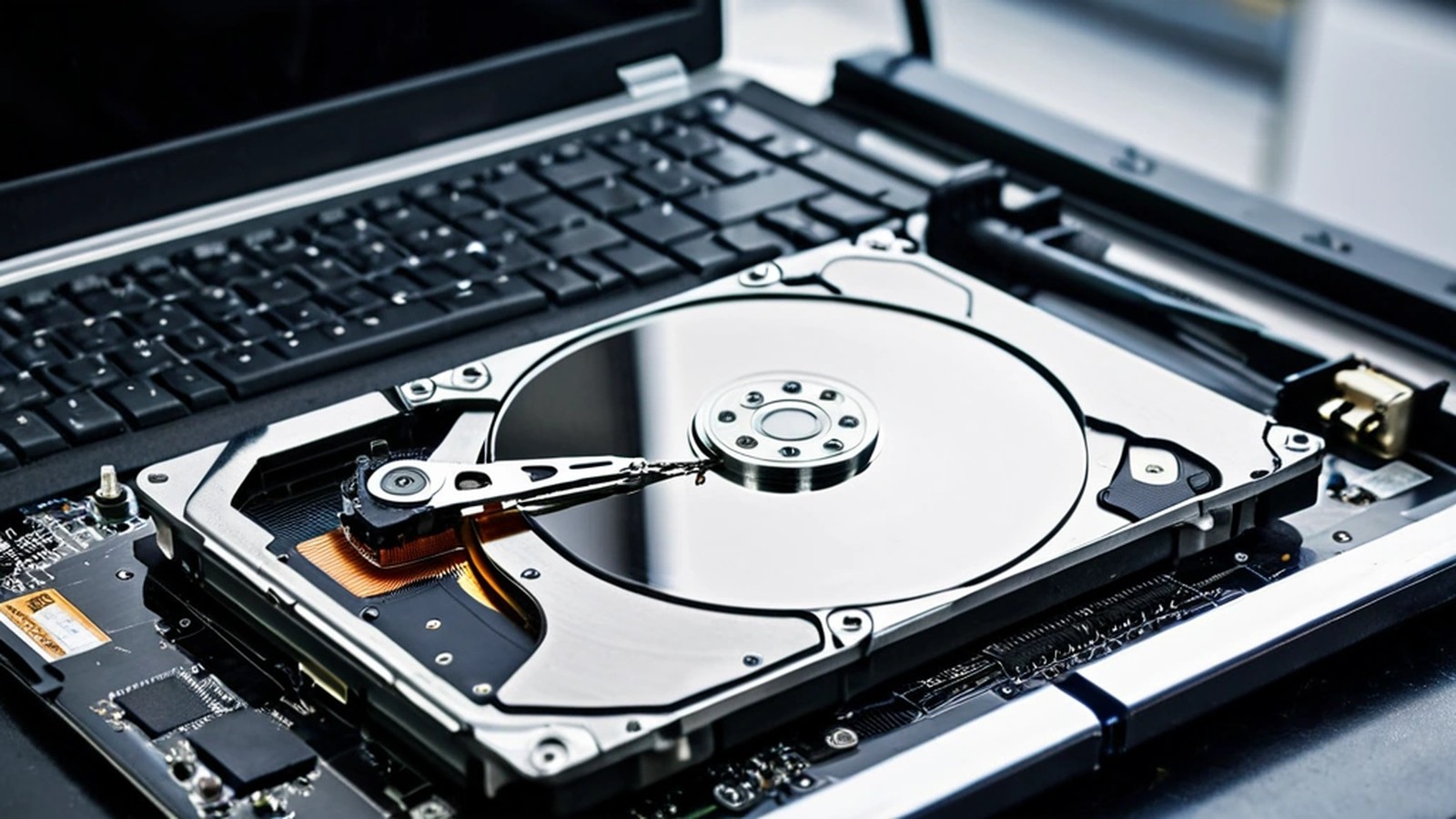
Short answer: If your hard drive is clicking, grinding, beeping or making a new noise, turn the computer off and leave it off. Every minute a physically failing drive spins can damage it further and make your files harder to recover. If the drive is quiet but slow, freezing or giving errors, copy your most important files to another drive right away, starting with the files you can’t replace. Don’t run repair tools, don’t reinstall Windows and don’t open the drive yourself. Then get a professional diagnosis.
Family photos, business records, tax documents, school projects: for many people in Murrieta and Temecula, the only copy lives on one drive inside one computer. Here’s how to tell what’s going on and how to avoid turning a recoverable problem into a permanent loss.
Hard drives and SSDs fail in different ways, but these are the most common signs:
SSDs (solid-state drives) have no moving parts, so they don’t click. When they fail, they more often slow down, freeze, switch to read-only or disappear completely.
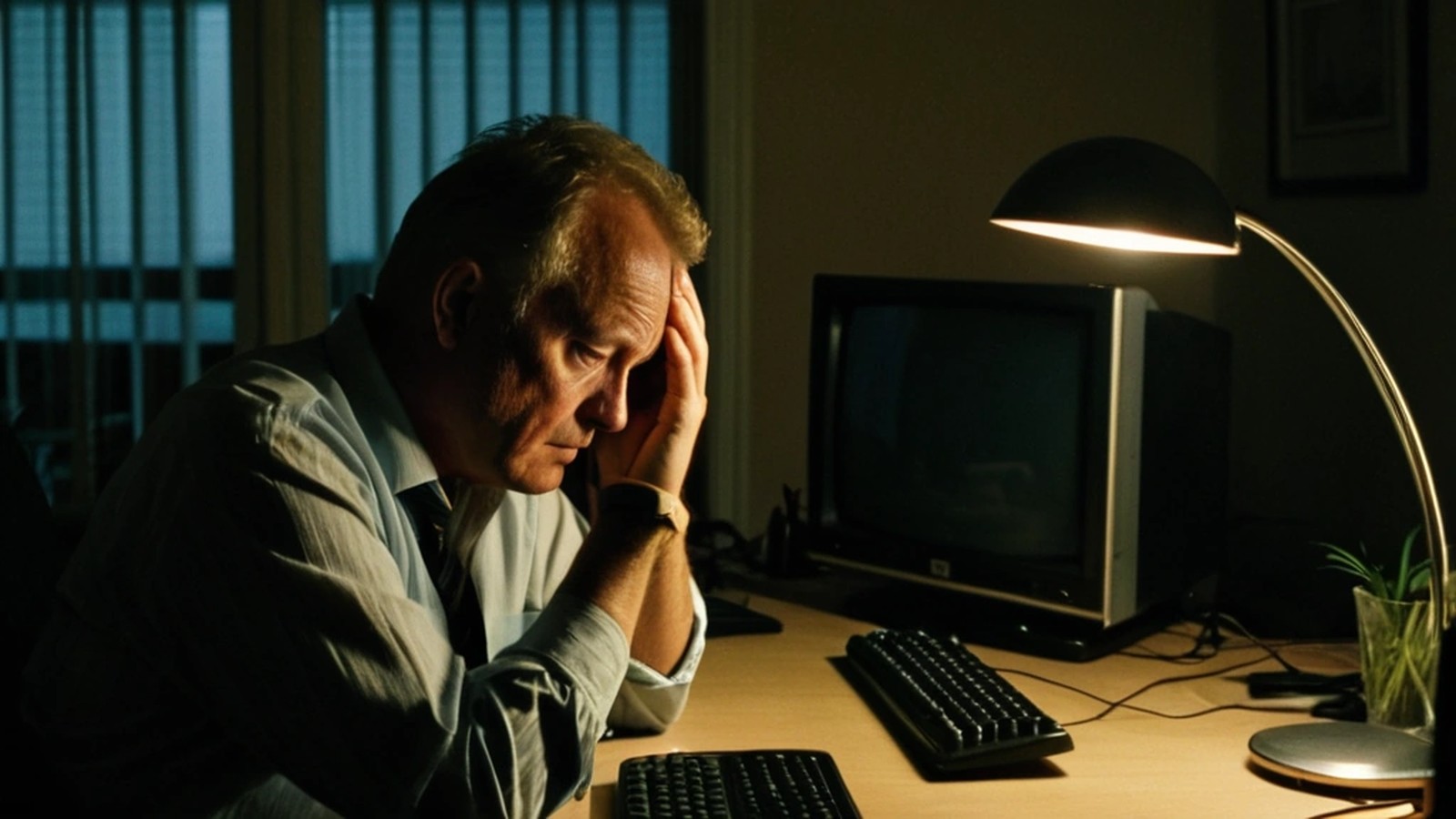
A clicking or grinding drive is usually a physical failure. Continuing to use it, restarting it again and again, or letting a scan run for hours can make things worse. Shut the computer down, unplug it, and don’t keep trying “just one more time.”
If the computer still starts and the drive is quiet, treat that as your window to save what matters most:
If you already use a backup service or a backup drive, check that your latest backup actually has your recent files. Our guide to backing up your computer walks through simple options for the future.
Stop using the computer or drive as much as possible. Deleted files often still exist on a traditional hard drive until something new is written over them. Check the Recycle Bin or Trash first, and check any cloud service you use (such as OneDrive, iCloud or Google Drive), which may keep deleted files for a period of time. On many SSDs, deleted data can be cleared quickly, so act fast.
Online advice can make a bad situation worse. Avoid these:
Not every “missing drive” is a dead drive. Sometimes the problem is a loose cable inside a desktop, a failed USB enclosure on an external drive, a power issue or a software problem. A few safe checks:
If you’re unsure, it’s safer to stop and get it checked than to keep experimenting on the only copy of your files.
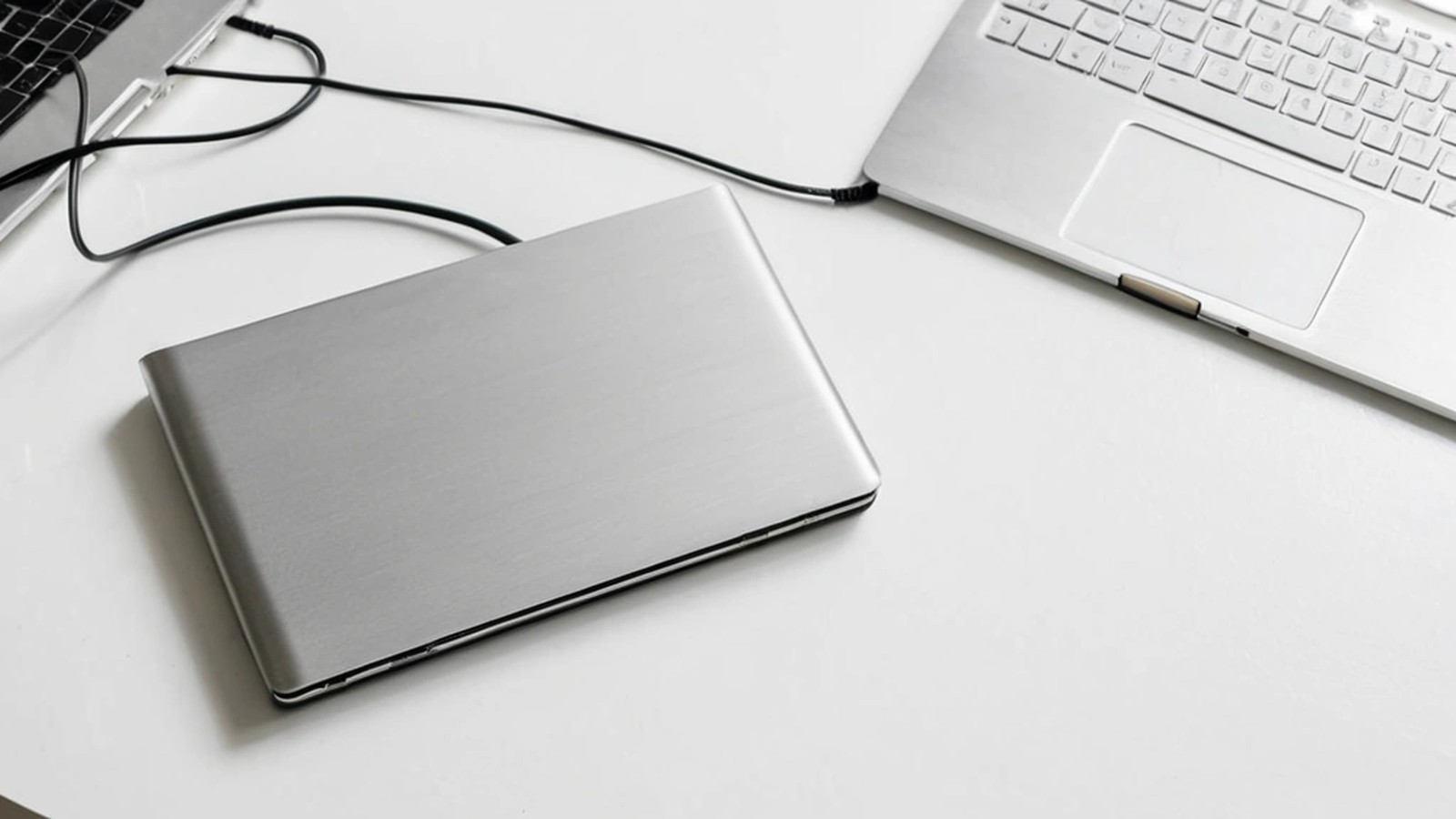
When a computer comes in with a suspected drive failure, the goal is to protect the data first and repair the computer second. That usually means:
Can files be recovered from a clicking hard drive? Often, but it depends on the type and extent of the damage. The best thing you can do is stop using the drive right away. The less it runs, the better the odds.
Is data recovery the same as a computer repair? No. A repair fixes the computer. Data recovery focuses on getting your files back, sometimes from a drive that will never work normally again.
Can I just put my old drive in a new computer? Sometimes, if the drive is healthy. If it’s failing, moving it around and powering it in a new machine adds more stress. Get it checked first.
Do SSDs fail too? Yes. They’re faster and have no moving parts, but they can still fail without warning, which is why backups matter on every computer.
A. Computer Doctor has helped homes and businesses in Murrieta, Temecula and surrounding cities since 2006. It was founded by Cesar Ramirez, a computer engineer with a B.S. from Cal Poly San Luis Obispo. If your drive is clicking, missing or acting strangely, turn it off and reach out. We’ll diagnose it carefully, protect your files first and give you honest options. Learn more about our computer and laptop repair services.
Call 951-595-7758, email [email protected], or submit a trouble ticket to get started.