Every December, small business owners across Murrieta and Temecula sit down with a spreadsheet and decide what next year will cost: rent, payroll, inventory, marketing, insurance. Then, somewhere near the bottom, there’s a line called “computer stuff” that gets whatever is left over. That habit is one of the biggest security mistakes I see. A smart cybersecurity budget isn’t an IT wish list. It’s a business decision that protects revenue, keeps insurance affordable, and keeps your doors open when something goes wrong.
In this guide I’ll walk through how to connect your security spending to the real business and financial risks you face, in plain English, so the money you spend in 2027 actually buys protection instead of just more software subscriptions.
When security is filed under “IT,” it competes with new laptops and printer ink. When it’s filed under “business risk,” it competes with the things it really protects: your ability to bill customers, make payroll, and keep the trust you’ve spent years earning. A ransomware attack on a five-person office doesn’t just lock a few computers. It can stop invoicing for a week, expose client records, trigger notification costs, and send customers to a competitor down the road.
Think about it the way you think about insurance or a fire extinguisher. You don’t buy them because you enjoy them. You buy them because the cost of being unprepared is far larger than the cost of being ready. Cybersecurity belongs in that same category, and it deserves a deliberate line in the budget, not leftovers.
Before you price a single product, answer a few questions that only an owner can answer. These turn vague worry into numbers you can plan around:
Once you have rough figures, the conversation changes. Spending $150 a month on managed backups and monitoring looks very different next to a $4,000-per-day downtime number.
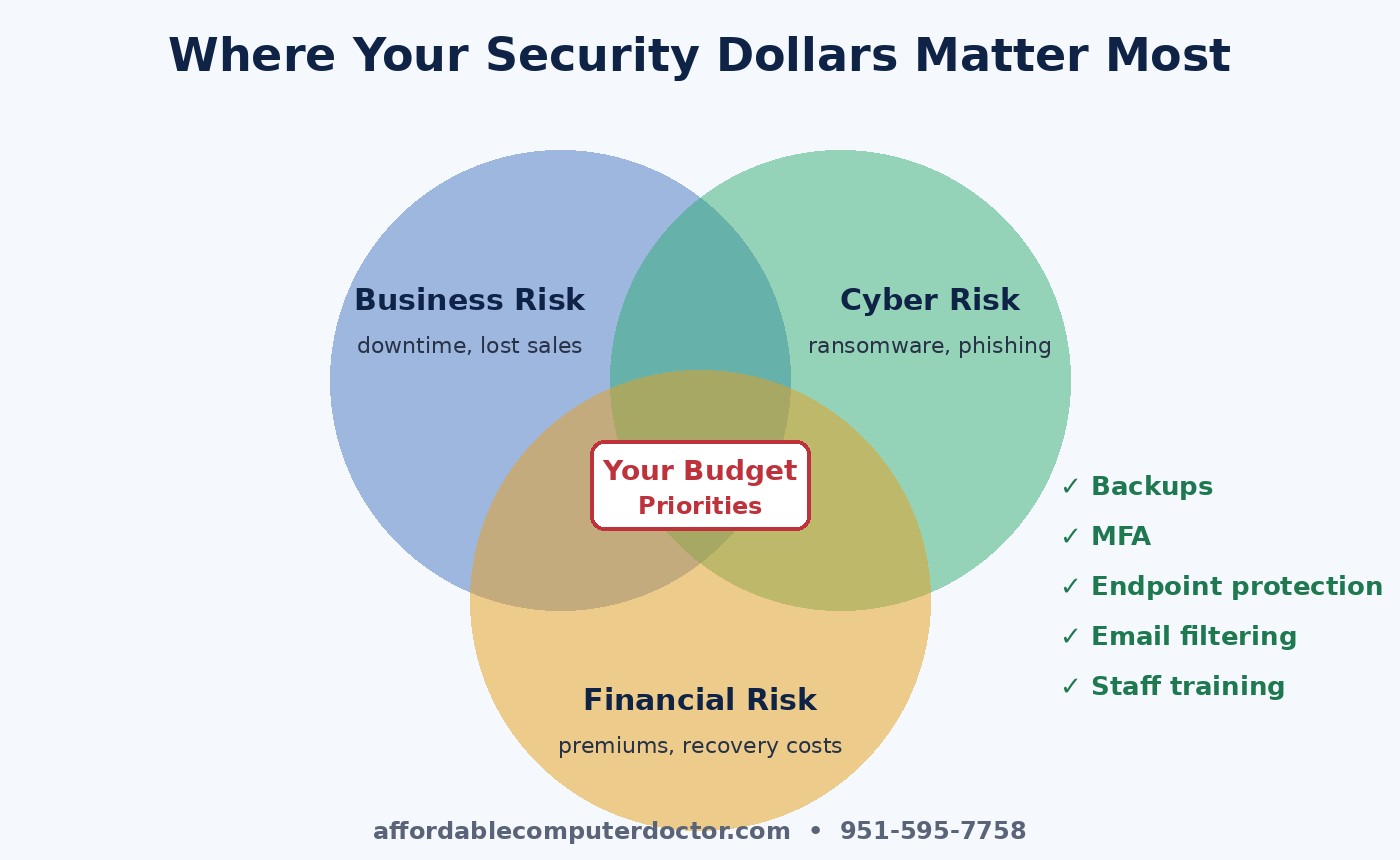
Every business is different, but in my experience the highest-value spending for small offices and households falls into a handful of buckets. Fund these before anything flashy:
Here’s the part many owners miss: good security often pays for itself in other line items. Cyber insurance carriers increasingly price policies based on the controls you can prove. Businesses that can show MFA, backups, and endpoint protection frequently qualify for better rates or broader coverage, while businesses without them may be denied or face steep premiums. The same documentation can help you win contracts with larger clients who now ask vendors to answer security questionnaires.
Compliance works the same way. If you handle health, financial, or government-related data, the safeguards you’re required to have aren’t just paperwork. When they’re done properly, they become a selling point and a genuine shield. Treat them as an asset you can show off, not a burden you hide from.
You don’t need a security operations center to benefit from modern technology. Many of today’s business security tools use automation and AI to spot unusual sign-ins, suspicious file activity, and look-alike phishing domains far faster than a person could. For a small business, that means a modest monthly subscription can provide a level of monitoring that used to be reserved for large companies. The key is choosing tools that fit your size and having someone configure and review them, rather than buying everything and hoping it works.
The most expensive incidents I clean up rarely come from sophisticated hackers. They come from a rushed employee clicking a fake shipping notice, a reused password, or a wire transfer approved because an email “looked like the boss.” Technology helps, but culture is what stops those moments. Make it normal to ask, “Is this real?” Reward people who report suspicious messages. Set a simple rule that any payment change gets confirmed by phone. These habits cost almost nothing and protect every dollar in your plan.
Home users can follow the same logic on a smaller scale: protect family photos and financial accounts with backups and MFA, keep devices updated, and know who to call when something looks wrong.
If you’d like a second set of eyes on your plan, A. Computer Doctor helps small businesses and home users in Murrieta, Temecula, Menifee, Wildomar, and Lake Elsinore figure out where security dollars will do the most good. We’ll review what you have, flag the gaps that carry real financial risk, and recommend practical fixes that fit your budget. Give us a call at 951-595-7758 and let’s make next year’s cybersecurity spending count.
Inspired by the NCX Group podcast episode “EP 11: Aligning Business, Cyber, and Financial Risks: A CEO’s Guide for 2025” (Bite Size Security). Our take is written independently for local small businesses and home users.