When the front desk can’t open today’s schedule, the sensor at chair three won’t talk to the imaging PC, or a ransomware scare freezes every workstation, a dental practice doesn’t just lose convenience—it loses chair time. A. Computer Doctor provides IT support for dental offices in Murrieta, Temecula, Menifee, Wildomar, Lake Elsinore and French Valley, with the same HIPAA-aware care we give medical practices across Southwest Riverside County. Here’s what dental IT usually needs, how we keep practices running, and when to call.
Dental clinics run a unique mix of systems: practice management and scheduling software, digital X-ray and intraoral cameras, patient Wi-Fi in the waiting room, payment terminals, and staff laptops that leave the office for continuing education. Those pieces have to work together every day without putting patient records at risk.
Generic “we’ll fix your PC” shops often miss the practice side of the problem. Slow imaging, a dropped sensor connection, or a backup that never actually tested a restore can cost more than a single repair visit. Local, HIPAA-minded support means someone who understands both the computers and the way your chairs, sensors and software have to stay online.
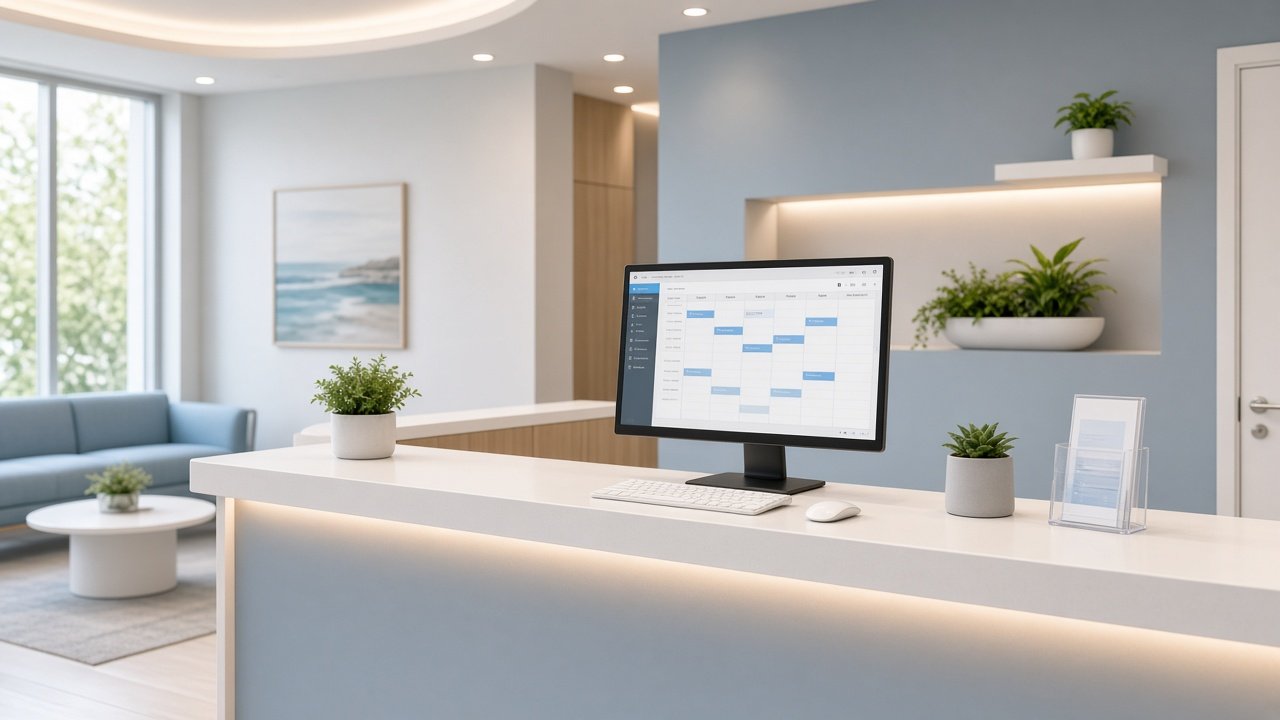
When scheduling, charting or billing software crawls, every hygienist and assistant feels it. Causes range from aging hard drives and low memory to a congested office network or a server that needs maintenance. We diagnose the bottleneck, fix or upgrade the hardware, and tune the network so chair-side computers stay responsive.
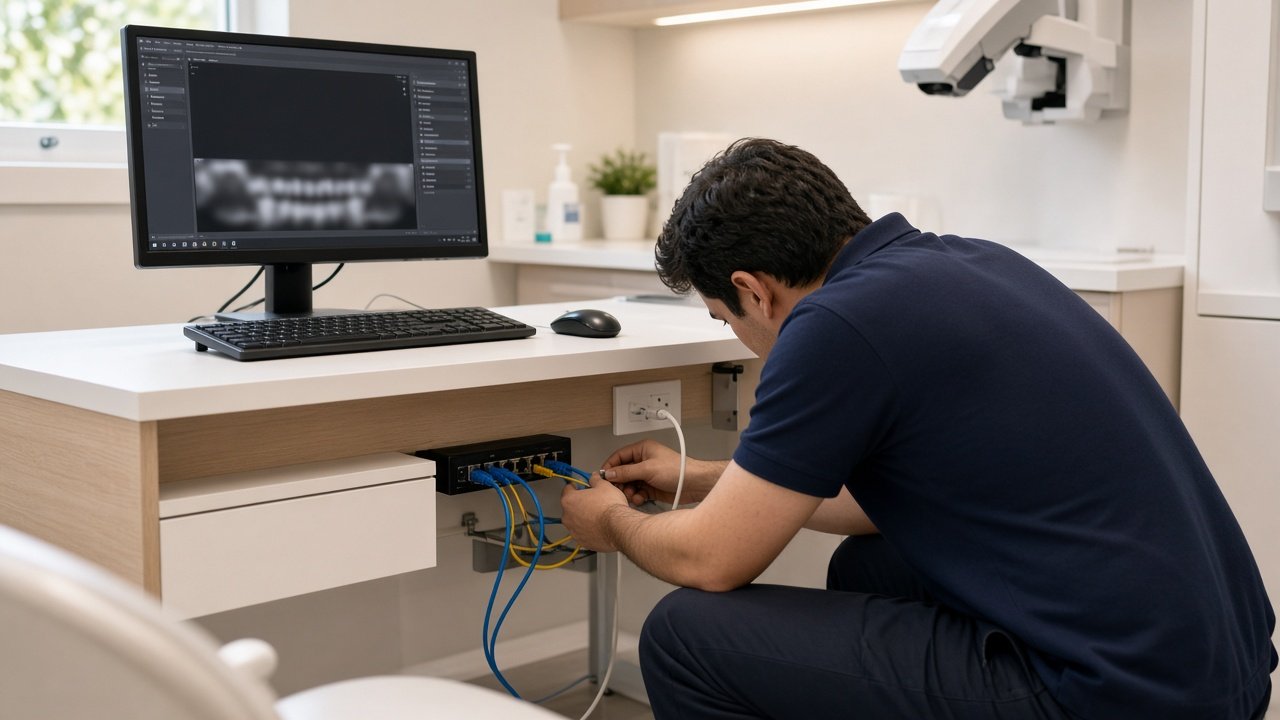
Digital radiography depends on stable connections between sensors, imaging computers and the practice network. Loose cabling, outdated drivers, weak Wi-Fi in operatories or a full drive can make images fail to appear when the patient is still in the chair. We check the imaging path end to end and document what each operatory needs so the next hiccup is easier to solve.
Guest Wi-Fi is a nice amenity, but it should never share the same network segment as practice management, imaging or payment systems. We separate patient Wi-Fi from clinical devices, lock down admin passwords and help you meet the spirit of HIPAA network safeguards without making life hard for your team. For broader network work, see our guide to business Wi-Fi and network support.
Many practices have a backup drive or cloud account and assume they’re covered. The real question is whether you can restore charts and images quickly after ransomware, theft or a failed drive. We review backup coverage, set up automated jobs and run restore tests so you’re not finding gaps on a Monday morning. Related reading: medical office IT security and ransomware protection.
Our dental office IT support in Murrieta and Temecula follows a clear process:
Opening a new suite or remodeling? Use our office IT setup checklist so cabling, Wi-Fi and workstation placement are planned before move-in day. For HIPAA-focused medical IT more broadly, see medical office IT support and HIPAA compliance.
A. Computer Doctor holds a 5.0-star rating on Yelp from local customers in the Murrieta area. One reviewer, Andrea C., wrote that after her laptop crashed and Best Buy couldn’t diagnose it in two hours, Cesar “was able to diagnose and tell me exactly” what was wrong. That same plain-English diagnosis is what dental teams get when imaging PCs or front-desk systems go down. Read our Yelp reviews to hear more in customers’ own words.
We support the computers, servers and networks that run common dental practice platforms. We don’t replace your software vendor’s support line for license or feature questions, but we keep the environment healthy so their software can do its job.
Yes. We schedule around chair time whenever possible—early mornings, lunch blocks or after the last patient—so IT work doesn’t cancel appointments.
Many software and network issues can be fixed remotely. Sensor cabling, new workstations, access-point installs and physical server work still need an on-site visit. We use whichever approach gets you back online fastest.
We’re based in Murrieta and regularly support dental and medical offices in Temecula, Menifee, Wildomar, Lake Elsinore, French Valley and nearby Southwest Riverside County communities.
If your Murrieta or Temecula dental practice is fighting slow computers, flaky imaging or backups you’re not sure about, A. Computer Doctor can help. Call 951-595-7758 or email [email protected] to schedule an assessment. We’ll keep your charts, images and schedule online so your team can focus on patients.