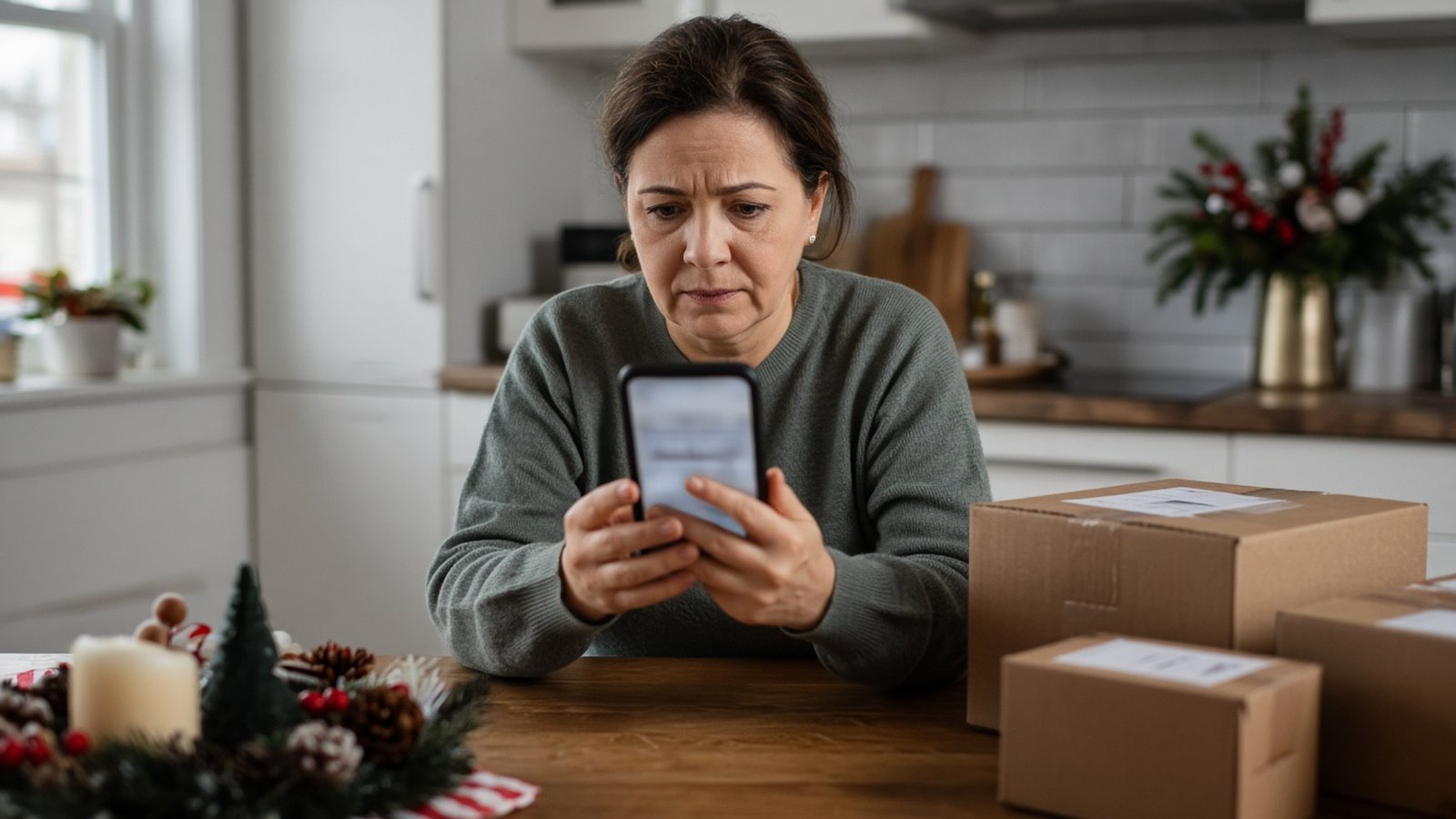
Short answer: During the holidays, scammers send fake delivery texts, “problem with your order” emails and fake virus pop-ups because they know you’re expecting packages and shopping online. Don’t click links in messages you didn’t expect. Check orders by typing the store’s or carrier’s website yourself. Never call a phone number from a pop-up, and never pay anyone with gift cards. If you already clicked or entered information, change your passwords, call your bank, and have your computer checked.
The weeks between Black Friday and New Year’s are busy for everyone, including scammers. More packages, more order confirmations and more online shopping mean more chances for a fake message to blend in. Here’s how to recognize the most common holiday scams and what to do about them.
You get a text saying a package “cannot be delivered due to incomplete address information” or needs a small “redelivery fee,” with a link to fix it. This is called smishing (phishing by text).
What to know:
Holiday phishing emails pretend to be from stores, shipping companies, banks or payment apps. The FTC warns that scammers often:
How to check: Ask yourself whether you actually have an account or order with that company. If you do, close the email and log in by typing the company’s website yourself or using its app. Don’t use the link or phone number in the message.
Tip: Bad spelling and grammar used to be a giveaway, but CISA notes that with AI, many phishing emails now look polished. Judge the request, not the writing.
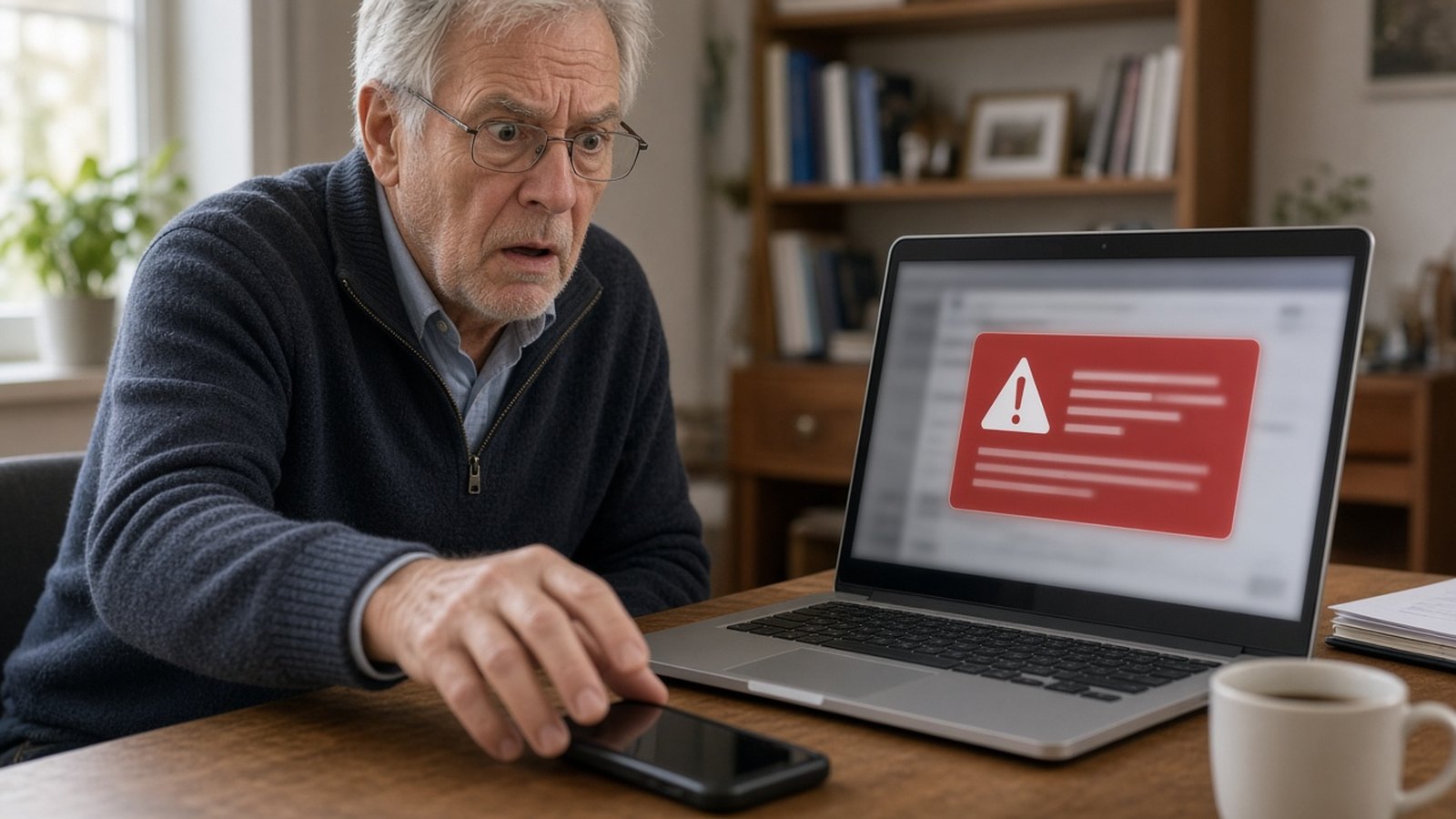
A pop-up suddenly fills your screen, maybe with a loud alarm, saying your computer is infected and you must call “Microsoft” or “Apple Support” right now. That’s a scam. Real security warnings don’t ask you to call a phone number.
If it happens:
If someone already connected to your computer, treat it as compromised. More on that below.
Any “company,” “government office” or “tech support agent” that demands payment by gift card, wire transfer, cryptocurrency or a payment app is a scammer. Legitimate businesses don’t ask for that. This one hits seniors especially hard, so it’s worth a conversation with parents and grandparents before the holidays.
Ads on social media for name-brand electronics or gifts at huge discounts sometimes lead to sites that take your money and ship nothing.
The FTC recommends four simple layers of protection:
For small businesses, add one more: a quick reminder to your team. Staff are often the first target, with fake invoices, “urgent” requests from the boss, or password reset emails.
Don’t panic, but act quickly:
Does USPS send text messages with links? According to the U.S. Postal Inspection Service, USPS only texts you if you signed up for tracking with a tracking number, and those texts don’t include links.
I clicked the link but didn’t enter anything. Am I OK? Possibly, but don’t assume. The Postal Inspection Service advises notifying your bank if you interacted with a scam link, even without hitting “submit.” Run a security scan and watch your accounts.
Is the virus pop-up on my screen real? If it tells you to call a phone number, it’s a scam. Close the browser and don’t call.
Can you check my computer after a scam? Yes. We can scan for malware and remote-access software, remove anything harmful, and help secure your accounts.
Founded in 2006 by Cesar Ramirez, a computer engineer with a B.S. from Cal Poly San Luis Obispo, A. Computer Doctor helps homes and businesses in Murrieta, Temecula and surrounding cities stay secure. If you think you fell for a scam, or you just want your computer checked before the holidays, we’re here to help.
Call 951-595-7758, contact us, or submit a trouble ticket today.