A front desk that can’t pull up the schedule, an EHR that won’t load, or a ransom note on the billing computer. For a small medical, dental, chiropractic or therapy practice, any one of these can stop patient care for the day. Healthcare offices are a favorite target for cybercriminals because patient records are valuable and downtime is expensive, and small practices in Temecula, Menifee, Murrieta, Wildomar and French Valley are not too small to be hit.
At A. Computer Doctor, medical-office IT support and HIPAA-minded security are a core part of what we do. This guide covers the risks small practices face, the safeguards that matter most, and how our team helps local clinics keep patient data protected and the office running.
Attackers know that a clinic can’t simply close for a week while it rebuilds its computers. That pressure makes healthcare a common target for ransomware and phishing. Smaller practices are often easier to break into than large hospital systems because they may have:
The HIPAA Security Rule asks covered practices to protect electronic patient information with administrative, physical and technical safeguards. In plain terms, that means knowing where patient data lives, controlling who can reach it, and being able to recover it when something goes wrong.
HIPAA expects practices to regularly assess risks to patient data. We walk through your office, workstations, network, EHR access and backups, then give you a prioritized list of fixes in plain English, not a pile of jargon.
Every staff member should have their own account, with multi-factor authentication on email, remote access and cloud systems wherever it’s supported. Workstations should lock automatically when someone walks away from the desk.
Patient Wi-Fi and smart devices like TVs and thermostats should never share a network with the computers that open your EHR. A properly configured firewall, segmented networks and updated equipment close many of the doors attackers rely on.
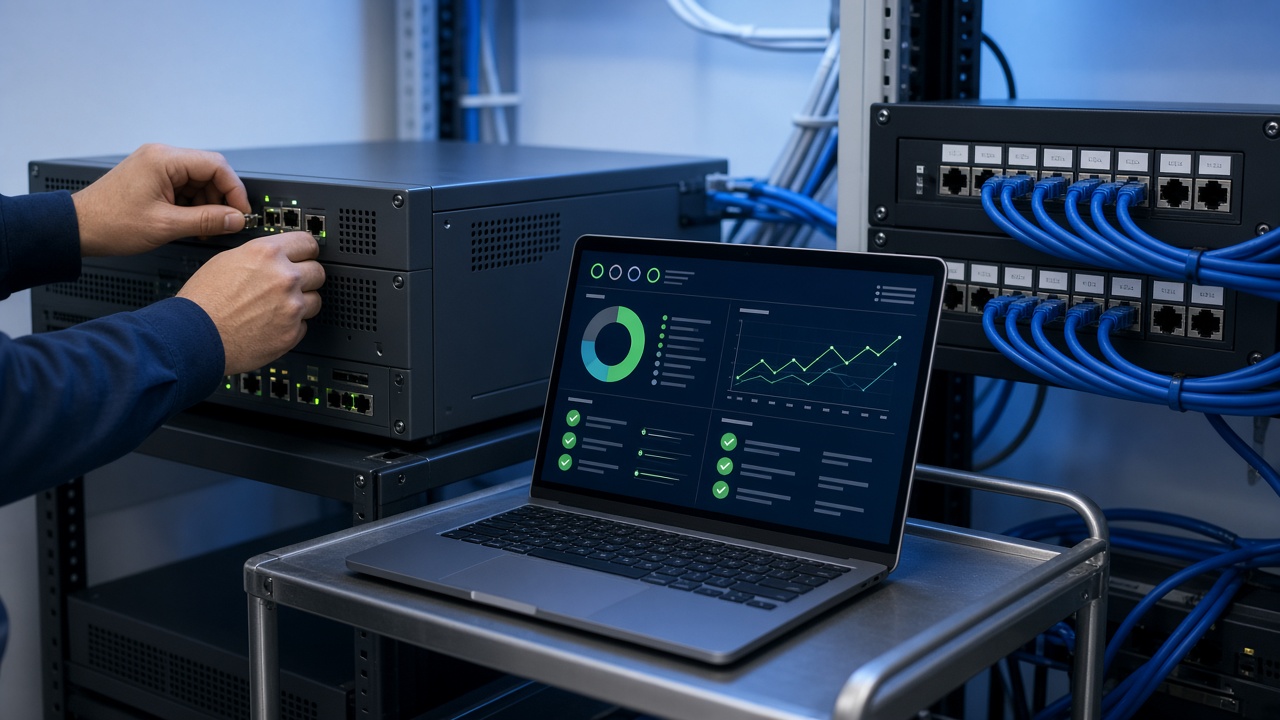
Backups are your best defense against ransomware, but only if they work. We set up encrypted backups with at least one copy kept off-site or in the cloud and separated from your office network, then test restores so you know how long recovery actually takes.
Windows updates, antivirus or endpoint protection, and regular checks on every computer keep known holes closed. Short, practical staff training on spotting phishing emails and fake “IT support” calls stops many attacks before they start.
We work with practices of all sizes across Southwest Riverside County, and we keep things practical and affordable. Our medical-office IT support can include:
Our team brings real healthcare-IT experience, so we understand how clinical workflows, imaging and practice software depend on reliable systems. We’ll explain what we recommend and why, and we’ll respect your budget.
A. Computer Doctor is based in Murrieta and serves Temecula, Menifee, Wildomar, Lake Elsinore, French Valley and nearby communities. When you call, you reach a local team that can come on-site, not an overseas help desk.
Local customers have rated us 5.0 stars on Yelp. Read our Yelp reviews to hear about their experiences in their own words.
If your practice is a HIPAA covered entity, such as a provider that bills insurance electronically, the Security Rule applies regardless of office size. The safeguards can be scaled to fit a small office, which is where a practical IT partner helps.
Disconnect affected computers from the network, don’t pay the ransom or wipe anything yourself, and call your IT support right away. A healthcare incident may also have breach-notification requirements, so document what happened and talk with your compliance advisor.
Yes. We support the computers, network, user accounts and backups around your software, and we coordinate with your EHR vendor when an issue involves their system.
No. We also provide managed IT, IT consulting and computer and laptop repair for other local businesses and for individuals and families.
If your office hasn’t had a security review recently, or you’re not sure your backups would actually work, now is the time to find out. Call A. Computer Doctor at 951-595-7758 to schedule medical-office IT support or a security assessment in Temecula, Menifee, Murrieta, Wildomar, Lake Elsinore or French Valley.