Virus & Malware Removal in Temecula, Wildomar & French Valley: Fast, Safe Computer Cleanup

Virus & Malware Removal in Temecula, Wildomar & French Valley: Fast, Safe Computer Cleanup

A browser that keeps redirecting to strange sites, pop-ups warning that your computer is “infected,” a fan that roars even when nothing is open, or a message saying your files have been locked. These are some of the most common reasons people in Temecula, Wildomar, French Valley and Murrieta call us. Malware rarely fixes itself, and the longer it sits on a computer, the more it can steal, spread or damage.

At A. Computer Doctor, virus and malware removal is one of the core parts of our computer and laptop repair service for both families and businesses. Here’s what to watch for, what to do right away, and how we clean things up the right way.

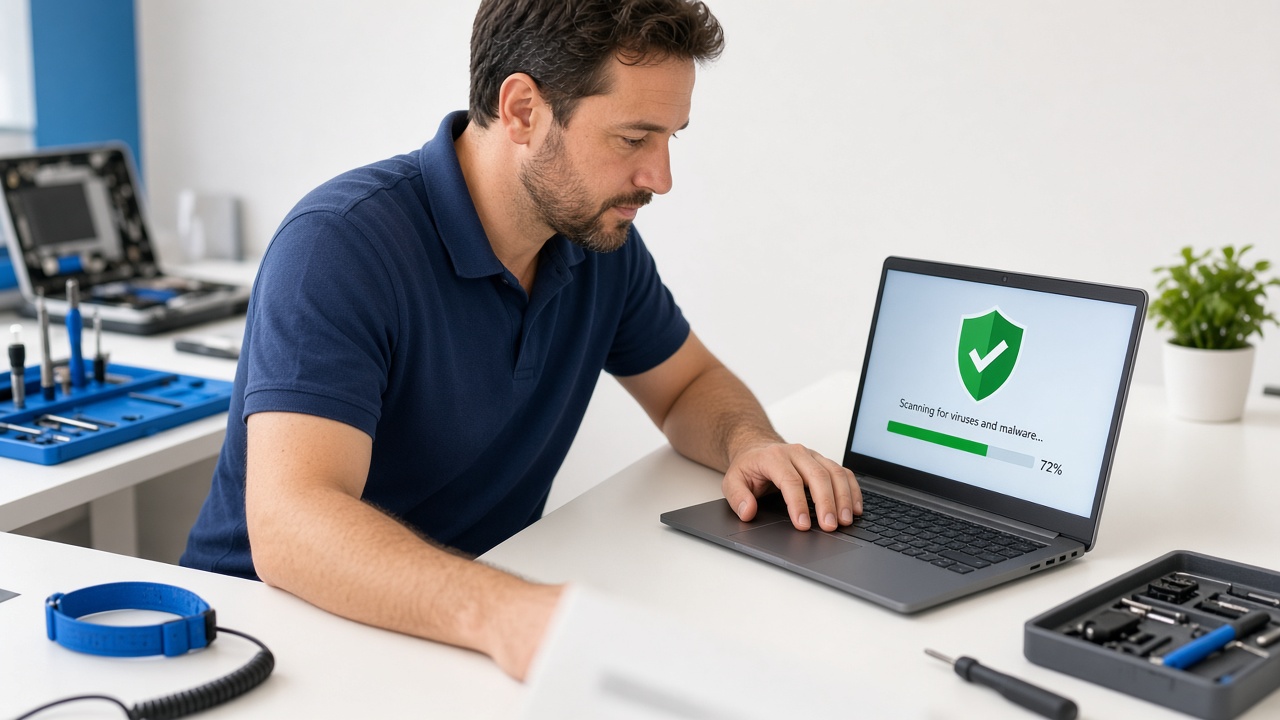
Computer repair technician running a virus and malware scan on a Windows laptop at a repair workbench
Virus and malware removal for laptops and desktops in Temecula, Wildomar, French Valley and Murrieta.

Warning Signs Your Computer May Have a Virus or Malware

Not every slow computer is infected, but these symptoms are worth taking seriously:

  • Pop-ups and fake security warnings telling you to call a phone number or buy software right away.
  • Your browser homepage or search engine changed on its own, or new toolbars and extensions appeared.
  • The computer suddenly got much slower, or the fan runs hard while you’re doing very little.
  • Friends or customers get strange emails from your account that you never sent.
  • Files won’t open or have odd new extensions, often with a ransom note asking for payment.
  • Your antivirus was turned off and won’t turn back on.

If you’re seeing more than one of these, it’s time to stop using the computer for banking, shopping or work logins until it’s checked.

What to Do Right Away (and What Not to Do)

A few quick steps can limit the damage while you get help:

  • Disconnect from the internet. Unplug the network cable or turn off Wi-Fi so the malware can’t keep sending data or spread to other computers on your network.
  • Don’t call the number in a pop-up. Real companies like Microsoft and Apple don’t put phone numbers in browser warnings. Those calls lead to scammers who ask for remote access and payment.
  • Don’t pay a ransom. Paying doesn’t guarantee your files come back, and it marks you as a target for future attacks.
  • Change important passwords from a different, clean device, starting with email and banking, and turn on multi-factor authentication.
  • Write down what you saw, such as error messages or the last thing you clicked, so the technician has a head start.

How A. Computer Doctor Removes Viruses and Malware

Running a single free scan often misses the deeper problems. Our virus and malware removal process is built to find the real cause and leave your computer safer than before:

  • Diagnosis first. We confirm whether the problem is actually malware or something else, like a failing hard drive or outdated software, so you don’t pay for the wrong fix.
  • Thorough cleanup. We remove viruses, spyware, adware, browser hijackers and unwanted programs, and check startup items, scheduled tasks and browser extensions where malware likes to hide.
  • Protect your data. Before major changes, we work to preserve your documents, photos and business files. When files have been damaged or encrypted, we look at what can be recovered from backups or other sources.
  • Repair and update. We fix damaged system settings, install Windows or macOS updates, and make sure your security software is working and current.
  • Plain-English advice. We explain what happened, how it likely got in, and the simple habits that help prevent it next time.

If a computer is badly compromised or too old to secure, we’ll tell you honestly whether a clean reinstall or a replacement makes more sense than another cleanup.
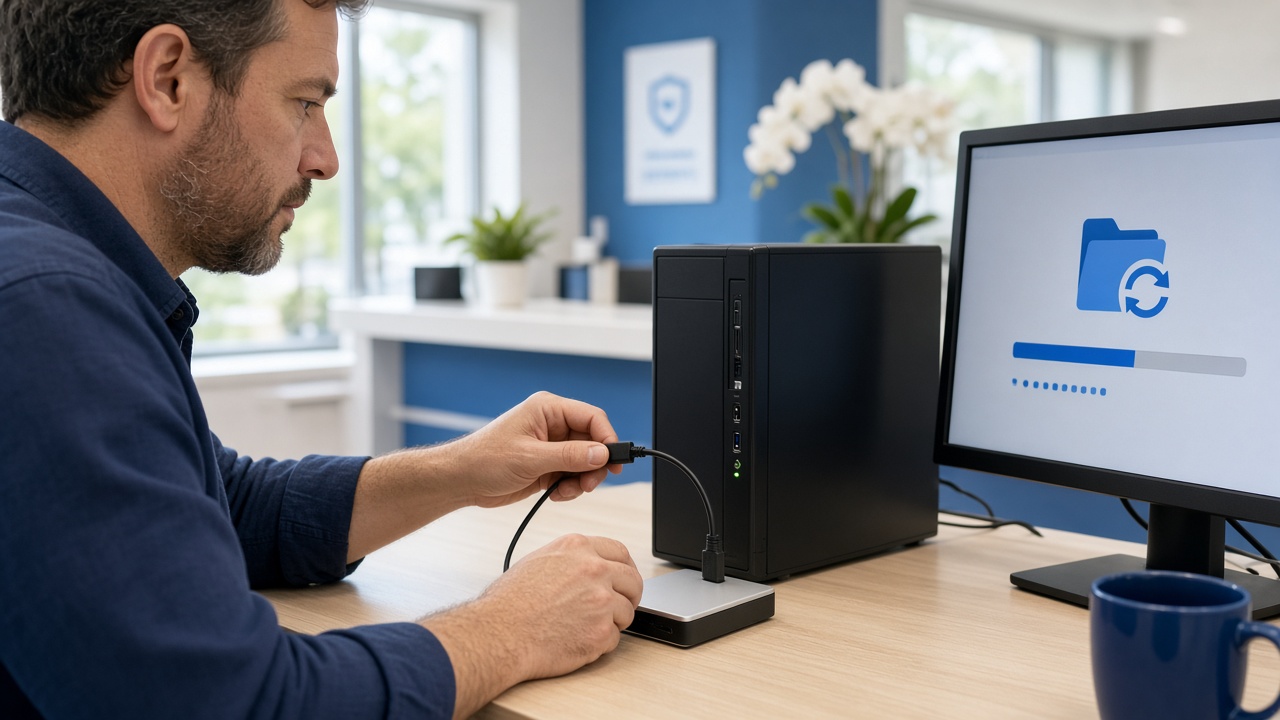
IT specialist connecting an external backup drive to a desktop computer to restore files after a malware cleanup
Restoring files from backup after a ransomware or malware cleanup at a local small business.

Malware Protection for Local Businesses

For a business, one infected computer can quickly become an office-wide problem. Ransomware can spread across shared drives, and a compromised email account can be used to send fake invoices to your customers. For businesses in Temecula, Wildomar, French Valley, Murrieta, Menifee and Lake Elsinore, we combine cleanup with longer-term protection through our managed IT and IT consulting services, including:

  • Monitored antivirus and endpoint protection on every computer
  • Regular security updates for Windows, Mac and business software
  • Automatic backups with tested restores, so ransomware doesn’t mean starting over
  • Secure Wi-Fi and network setup, with guest Wi-Fi kept separate from business systems
  • Phishing awareness tips for your staff

Medical, dental and other healthcare offices have even more at stake, because an infection can expose patient information protected under HIPAA. We support medical offices with IT that’s set up with privacy and security in mind.

A Local Team With a 5.0-Star Yelp Rating

A. Computer Doctor is based in Murrieta and serves homes and businesses throughout Temecula, Wildomar, French Valley, Menifee, Lake Elsinore and nearby communities. When you call, you talk to a local team, not an overseas call center or a stranger asking for remote access.

Local customers have rated us 5.0 stars on Yelp. Read our Yelp reviews to hear about their experiences in their own words.

Frequently Asked Questions

Can you remove a virus without erasing my files?

In most cases, yes. Our goal is to remove the malware while keeping your documents, photos and programs in place. If a full reinstall is the safer option, we’ll explain why and talk through protecting your data first.

My antivirus says everything is fine, but the computer still acts strange. Could it still be infected?

Yes. Some malware hides from or disables antivirus software, and some symptoms come from unwanted programs that antivirus doesn’t flag. A hands-on check can find what an automatic scan misses.

Do you help with Mac malware too?

Yes. Macs are less targeted than Windows PCs, but adware, browser hijackers and scams still affect them. We work on both.

I gave a pop-up “tech support” caller remote access. What now?

Disconnect the computer from the internet, contact your bank if you shared payment details, change your passwords from another device, and have the computer checked for remote-access tools the scammer may have left behind.

Get Your Computer Cleaned Up and Protected

Don’t let a virus keep running on your computer or spreading through your office. Call A. Computer Doctor at 951-595-7758 for virus and malware removal, computer repair and business IT support in Temecula, Wildomar, French Valley, Murrieta, Menifee and Lake Elsinore.